




Chocospin App: Mobile Casino Gaming
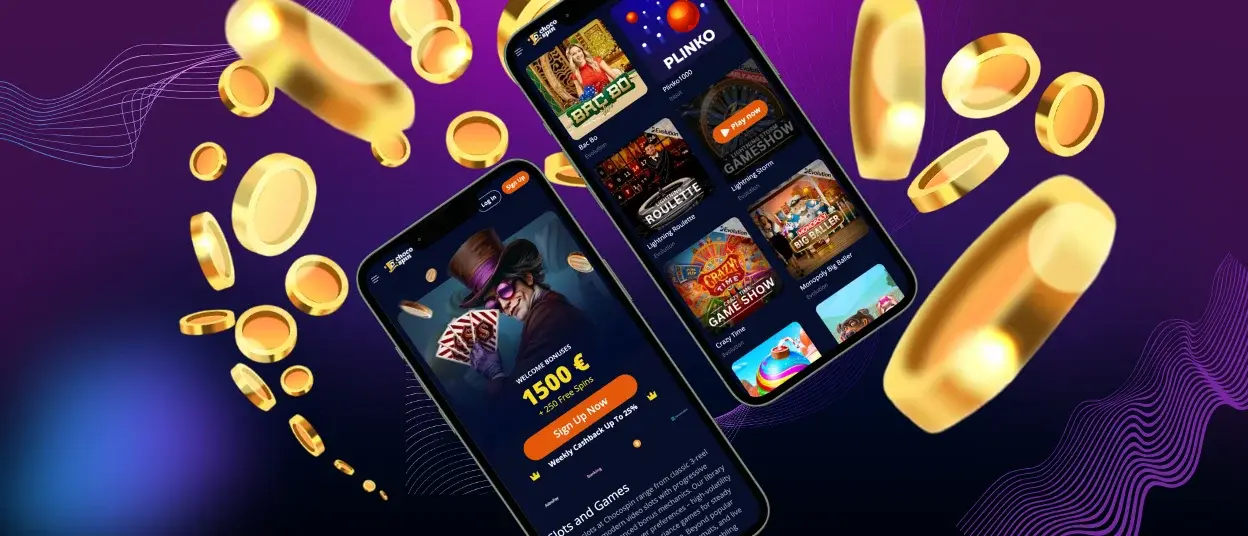
The majority of registered users access the platform through mobile devices, either via mobile browser or the Chocospin app. Mobile access allows users to stay connected regardless of location. The same titles and features available on desktop can be accessed on mobile. The mobile version of Chocospin works on both Android and iOS devices.



Chocospin Mobile Platform
You can access Chocospin Casino from multiple devices. Users can switch between desktop and mobile devices without interruption. For example, gameplay can start at home on a PC and continue later on a smartphone while away.
Mobile users can choose between the browser version and the Chocospin app, which can be installed from the website. The mobile experience matches or exceeds the desktop version in functionality. All features have been adapted for mobile devices, including enlarged buttons, scroll and swipe functions, and touch control for games.
Users can select the option that works best for their smartphone or tablet. The table below compares the mobile app and browser versions across the main categories.
| Feature | Mobile app | Web browser |
| Installation | Direct download from the website (takes a few minutes). No app store account required. | None required. Access through any modern browser. |
| Speed | Optimized for fast loading and smooth performance. | Depends on the browser, device, and internet connection. |
| Storage | Uses minimal device storage while caching key files for faster access. | No device storage used. Only temporary browser cache. |
| Updates | Auto-updates instantly without user action. | Automatically after page reload. |
| Notifications | Supported for news, bonuses, tournaments, and updates. | Limited or unsupported in some browsers. |
Chocospin Casino Mobile App for iOS
iPhone and iPad users can access the platform without issues. A mobile version functions in Safari and other browsers. Chocospin Casino created a browser version that works with modern mobile devices. For quicker access, users can install a shortcut icon:
- Visit Chocospin with your mobile device.
- In the browser’s address bar, click the “More” button.
- From the list, select the “Add to home screen” option.
- Customize the icon name if desired. Click “Add” to confirm. The icon will appear on the main screen.
iOS users can also download the Chocospin app within minutes by clicking the “Casino App” button on the website. This provides access to 6,000+ titles, including online slots, table games, instant win games, and live dealer options. The platform works with software providers who develop games for both desktop and mobile platforms.
Chocospin Casino Mobile App for Android
A dedicated app has been developed for Android users. The mobile software maintains the same design, navigation, and functionality as the desktop version.
No third-party APK files are required. Chocospin offers a progressive web app (PWA) that can be installed directly from the website. This version doesn’t consume device storage. The Chocospin app operates smoothly with a stable internet connection. Some features remain available offline.
To download the app on an Android device, follow these steps:
- Navigate to the footer (bottom section) of the Chocospin Casino website on your mobile device.
- Locate and click the “Casino App” button.
- On the new page, tap “Install” in the middle of the screen.
- Installation will be complete within a few minutes. The brand icon will appear on your home screen.
Windows & macOS App Downloads
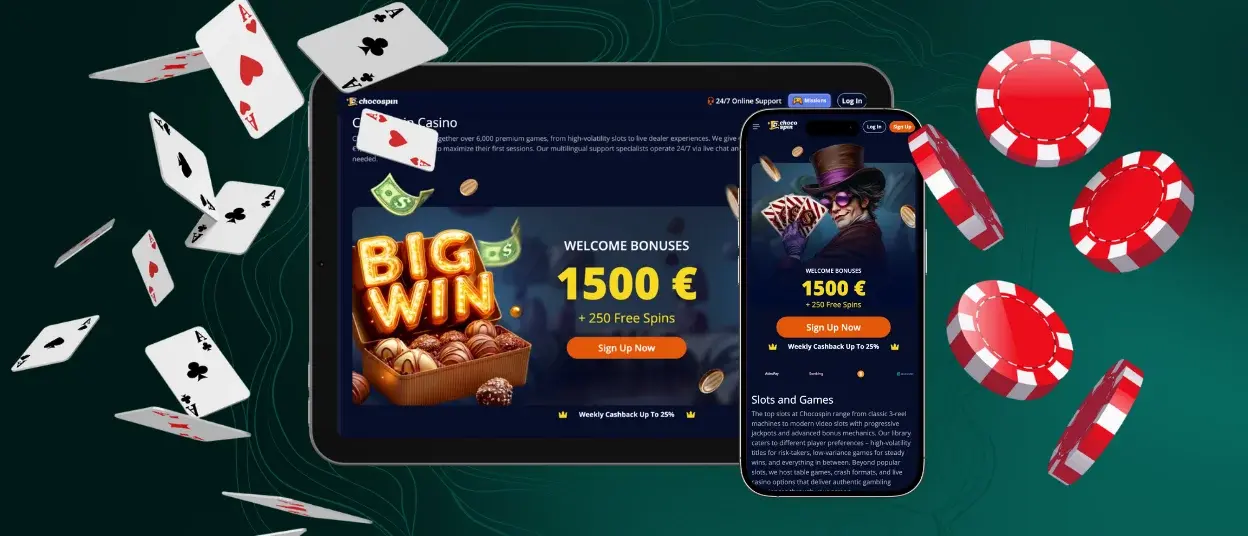
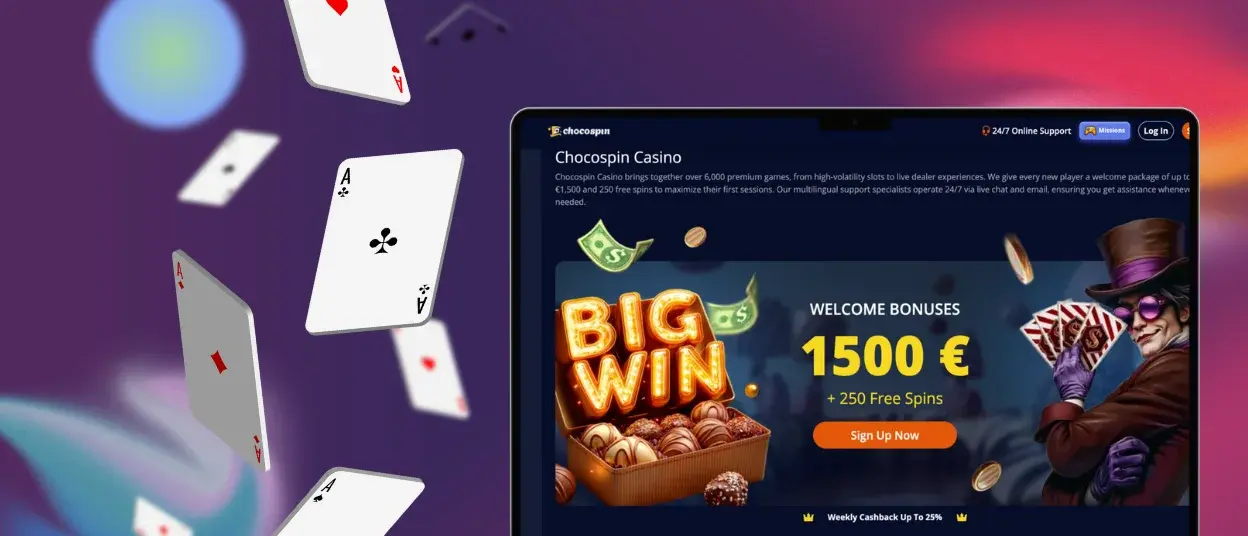
Chocospin Casino can be accessed on computers and laptops through standard methods. The platform works well on larger screens. The website adapts to different screen sizes and browser specifications. Any modern browser can be used, such as Google Chrome, Safari, or others.
A shortcut icon can be installed for quicker access. This option is available in any browser. The shortcut allows users to access Chocospin Casino in one click from the home screen instead of navigating through a browser and searching for the website.
FAQ
Does the Choco Spin Casino App Offer Customer Support?
The Chocospin app includes built-in live chat for contacting the support team. Support managers typically reply within minutes. Email support is also available 24/7.
Is Creating an Account Required to Use the Choco Spin App?
Users must log in to an existing account or create a new one to use the mobile software. Before processing the first withdrawal, the verification process must be completed.
Are All Games Available in the App?
The Choco Spin app mirrors the main desktop website and includes all titles. Games available on desktop can be found in the mobile version. All games adapt to smaller screens and maintain functionality.
How Can I Update the Choco Spin Casino App?
As a progressive web app, updates occur automatically without user intervention. If a significant change requires action, users will receive notification through push notifications and email.


